

















































































































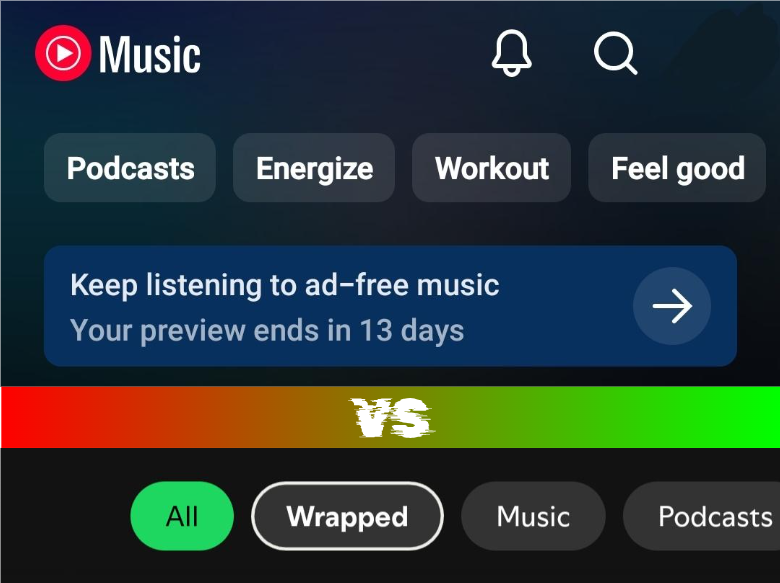
Recently, I was given a 2-week free trial on YouTube Music Premium through a preinstalled YouTube Music app. As a person who mainly uses Spotify’s basic plans (and occasionally YouTube Music on the computer), I found myself very intrigued. I had never considered purchasing premium because I preferred saving money and was not that bothered with the lack of on-demand music choices, considering that I spend most of my time at my computer anyway. The laptop version is essentially the same as Spotify Premium on a phone, except for the ads and the lack of the jam function. And if I do feel the need to find a specific song while away from home, I can just use YouTube to go to it.
Interestingly enough, I had already been using YouTube Music occasionally for its ability to play some non-official music covers with their corresponding video as well. It allowed for greater variety, and its capability of carrying all of my YouTube playlists to it also made it pretty useful to see my past music tastes and compare which videos are considered playable “songs.” It seems that any videos with “music,” but not full-length video clips, are playable on YouTube Music. Furthermore, before I started using Spotify, I searched and saved all my songs on YouTube under one playlist. Hence, YouTube Music allowed me to play them officially, and YouTube Music Premium allowed me to play them with the screen turned off.
One thing I remember hearing about YouTube Music is that its lyrics did not automatically match with the music (like a karaoke machine), unlike Spotify. In fact, this was the reason why I had picked the latter as my main music service. While this is still true for the computer, it is no longer true for YouTube Music on mobile. Furthermore, you are able to share and translate the lyrics directly in the app while retaining their original language for comparison. This made songs that I love very accessible and more understandable.
YouTube Music also has a toggle at the top of any playing music video or lyric video where you can choose whether to look at its album cover (indicated by a symbol of headphones) or the video itself. This was really cool in my opinion, showing how YouTube Music is a true hybrid of YouTube and, well, music. Spotify just shows a repeating 15-second clip of highlights in any corresponding music videos (separately designed by the artist). This not only means that not every song with a music video has visuals, but the constant repetition of the same clip just became annoying to look at after a while. The artists’ artistically designed and edited productions are lost.
YouTube Music Premium wins in one additional regard. Unlike Spotify Basic on the computer (which you can just add songs to a queue), you can choose to either do that or allow the song(s) to skip the queue and be the thing that plays immediately after the playing song. This had been especially exasperating because when I wanted to play a song on the queue that wasn’t immediately the first and pressed on it, all the songs I had in the queue before that would be gone. As a frequent user of the queue to explore new music, it was very frustrating. Therefore, I enjoyed the different versions of queues to pick from to suit your mood. I also discovered the extent to which its Replay Mix plays songs that I had enjoyed. It was not limited to studio albums, so it was really fun to find out that a nonofficial cover had made its way on there. I truly appreciated the ability to download songs to play offline. It proved to be extremely helpful in car rides. Despite this benefit, its search engine is wacky at best, with its results sometimes skipping over what you searched for, despite you entering the exact title. Sometimes clicking on the ‘videos’ tab works, but other times it doesn’t.
Another YouTube Music Premium feature is an AI “Ask for Music” prompt generator. Basically, you type in prompts like “chill music for the beach” or “happy songs for a very sentimental mood,” and it would spit out an AI-designed playlist conceptually fitting that specific ideal. But I just found it kind of strange personally to give such specific personal information to YouTube Music, as most people simply pre-make the playlists. That’s what makes playlists so personal and tasteful. You choose it. Meanwhile, these playlists seem to be composed of preset songs of certain BPMs with some songs by artists that I like interspersed. They don’t match the prompt thematically at all. On the other hand, Spotify’s Editorial Mixes are different because the former is designed by a real person while the latter is made based on your preferences. Meanwhile, the “Ask for Music” feature is seemingly just based on the AI running wild on that one prompt.
YouTube Music additionally offers a “Your Recap,” which is similar to Spotify Wrapped. It is a lot more limited with its fewer dynamic interactions and fewer detailed statistics. It has nothing really comparable to the Spotify Wrapped Party. Furthermore, it failed to give me my 2025 playlist of my most played songs, raising questions about its reliability. The final selling point of most of these premium music services is the lack of ads. However, I did not find the difference to be that jarring. In fact, the music seemed to have turned more into a blur and less tasteful without the markers of time. I additionally realized that the unlimited skips made me less patient in enjoying or exploring every song in comparison to Spotify.
So, if you are someone who heavily prioritizes efficiency and on-demand music, as well as connectivity with YouTube, YouTube Music Premium is probably the choice. But for me, still a money-conscious person who thinks that YouTube Music’s home screen is extremely cluttered and hard to navigate, I think I can sacrifice the most enticing feature of skipping the queue for money to be used on other stuff. But until then, I will be happily using YouTube Music’s downloads offline myself.